

Let's do it together!
Step 1: Go to the Memberships Page
Navigate to the memberships page in your application.
Step 2: Search for the Member
Search for the member you want to edit.
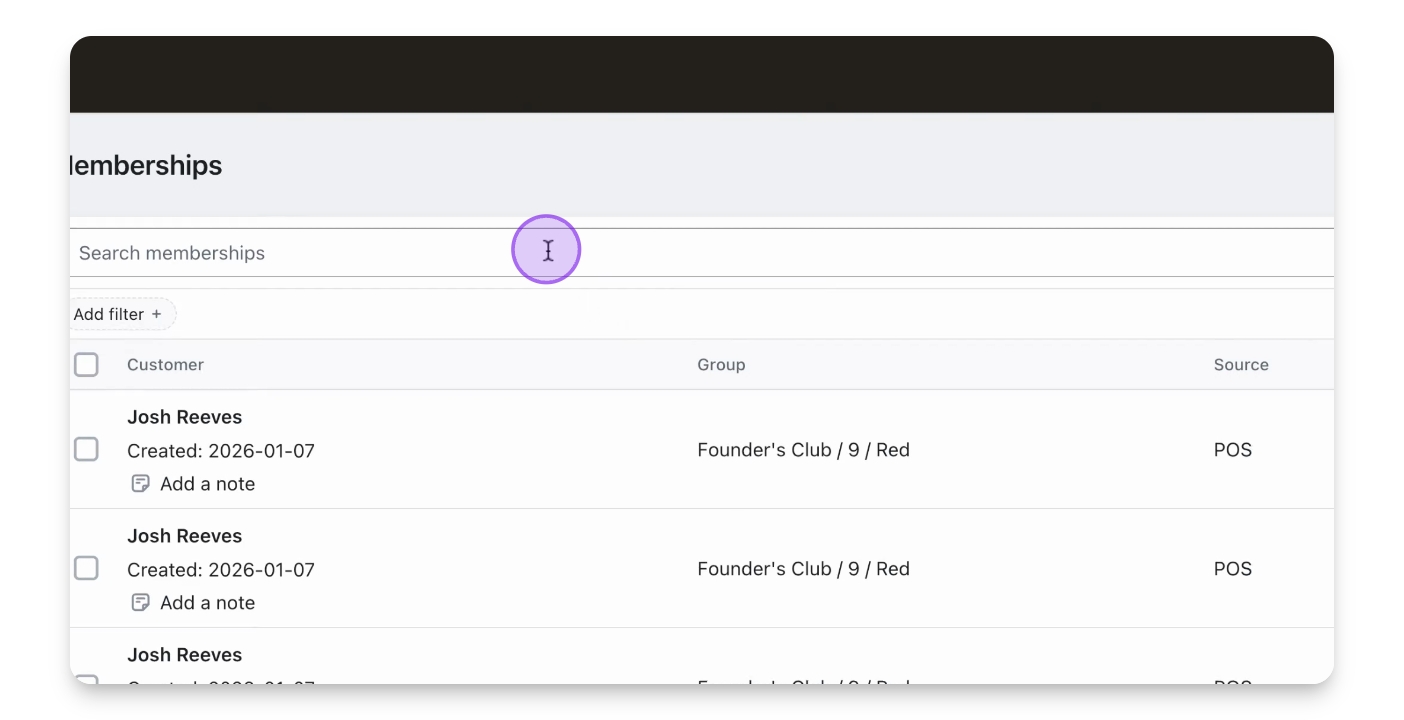
Step 3: Find the Member
Locate the member named Josh Reeves.
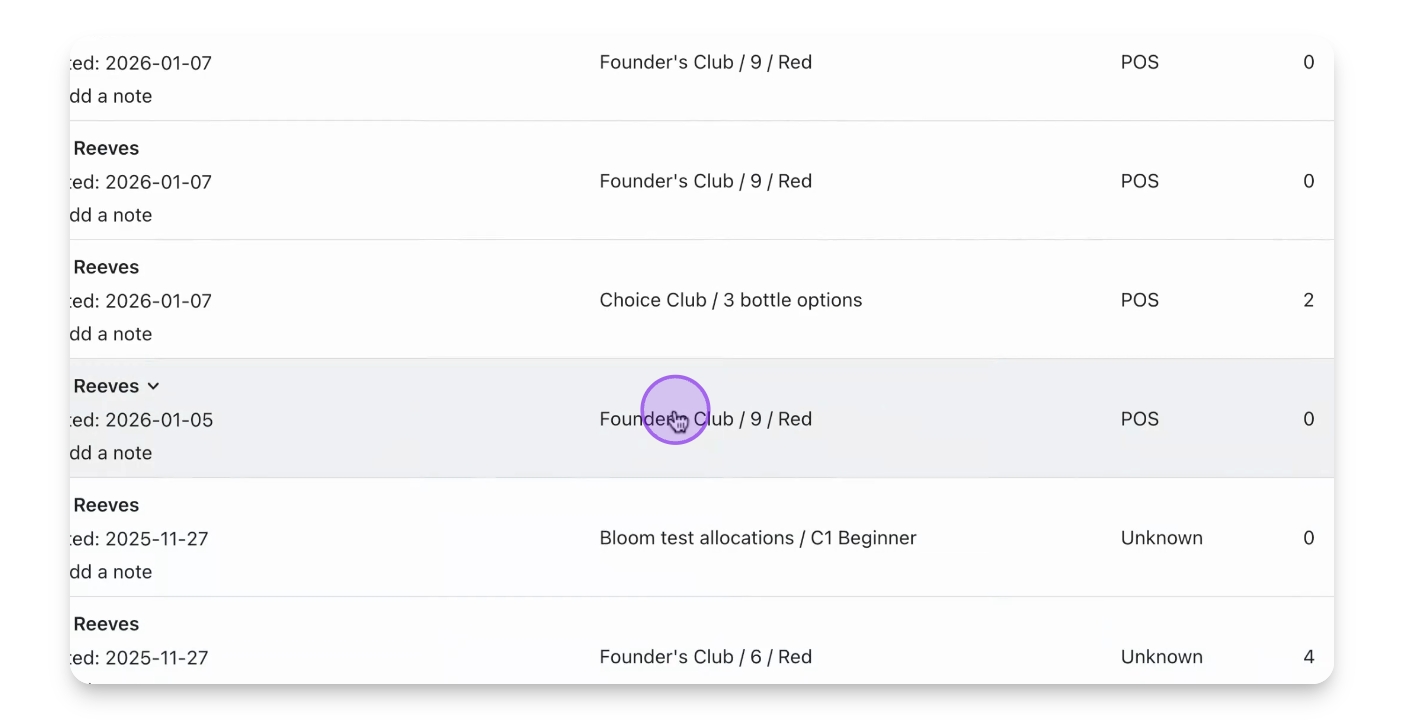
Step 4: Select Their Membership
Select the membership associated with the member.
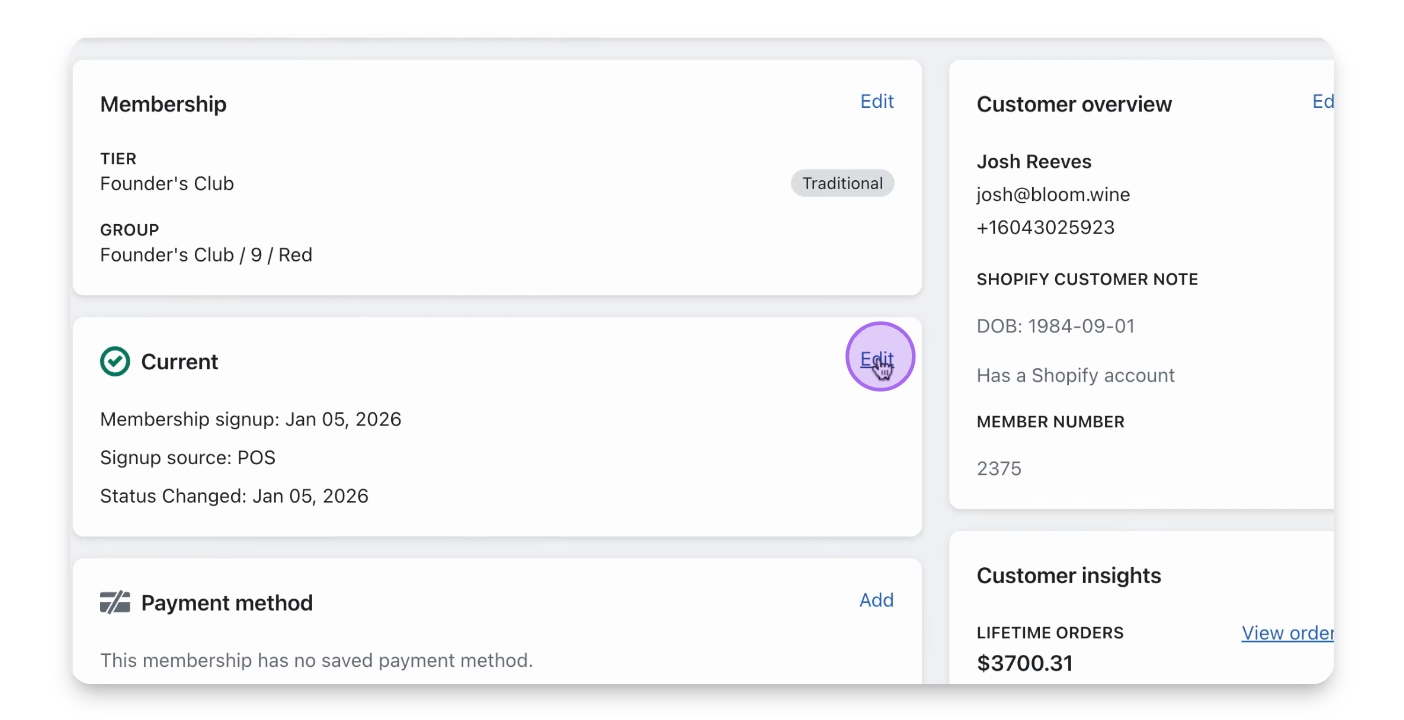
Step 5: Click Edit on Status
Click the Edit button under the status box.
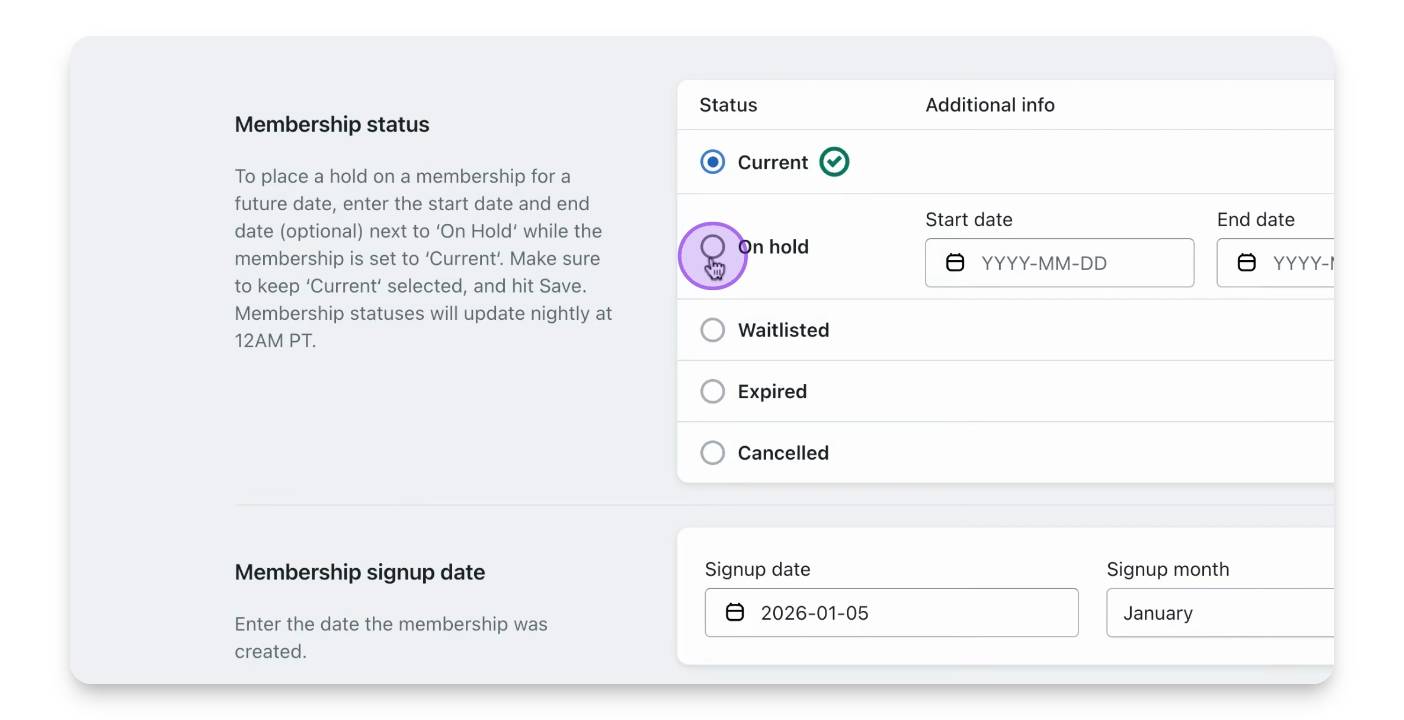
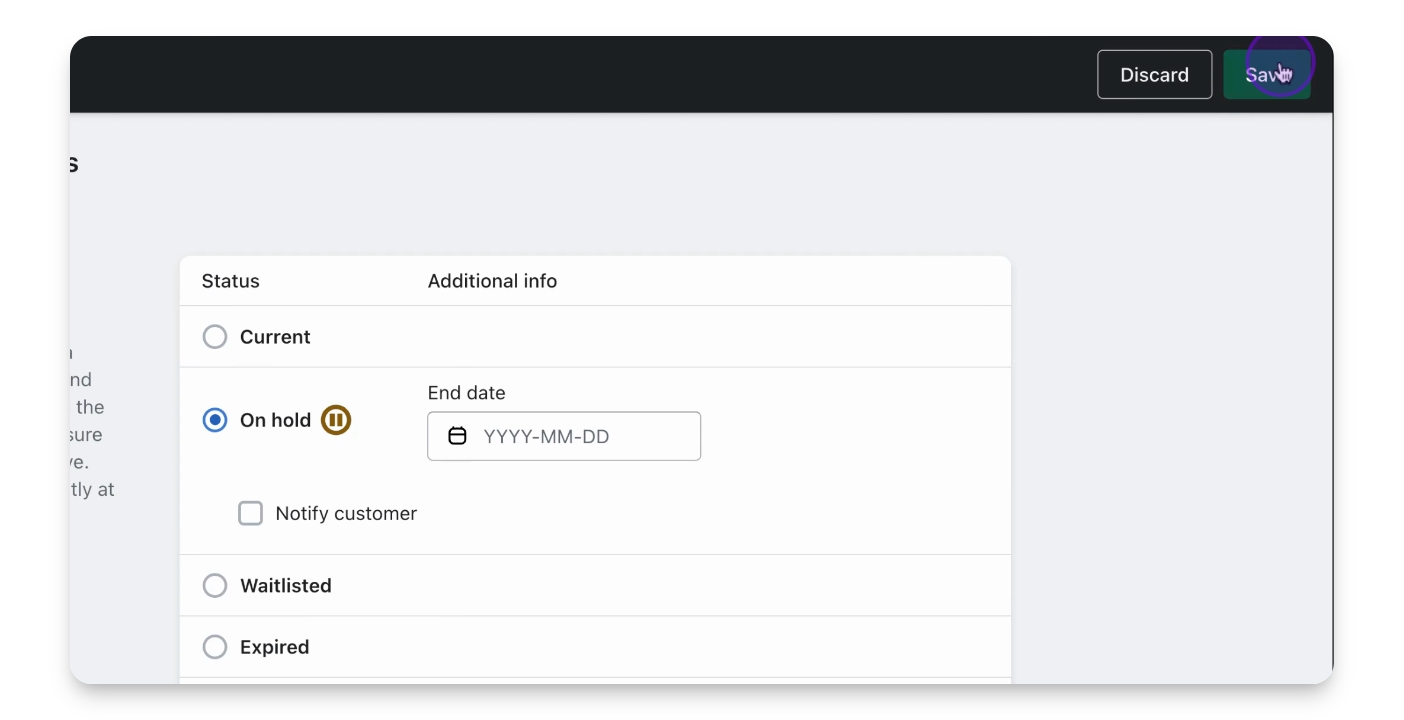
Step 6: Select New Status
Choose the new status for the member, such as on hold.
Step 7: Save the Status
Click Save to apply the new status.
Step 8: Verify New Status
Return to the membership profile to see the updated status.